Drupal vs WordPress: Which CMS Should You Actually Pick in 2026?
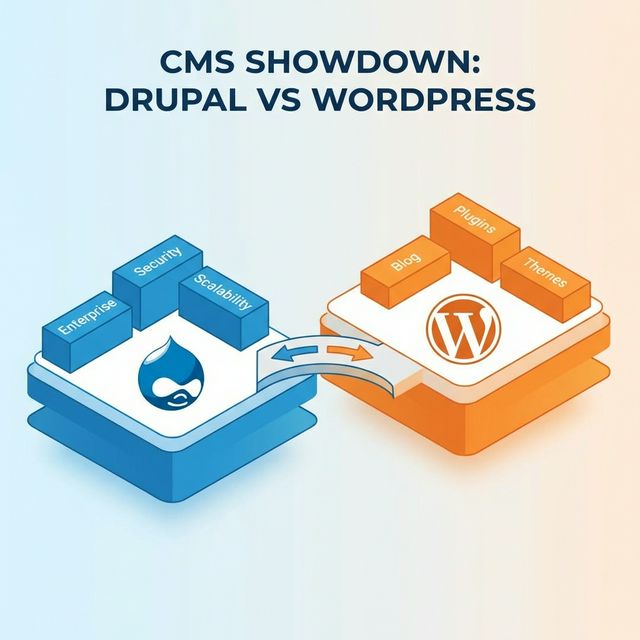
Quick Answer: If you're building a blog or a simple business website, go with WordPress. If you need enterprise-grade security, complex content architecture, multilingual support, or handling millions of page views — Drupal is the better choice.
⚡ TL;DR
- WordPress: Best for blogs, small businesses, quick launches
- Drupal: Best for enterprises, government sites, complex platforms
- Security: Drupal wins — dedicated security team, fewer vulnerabilities
- Scalability: Drupal wins — powers NASA, Tesla, The Economist
- Ease of use: WordPress wins — simpler admin, more themes
- Long-term cost: Drupal is often cheaper for enterprise (lower maintenance)
Let's be honest — this isn't really an "either/or" question. WordPress and Drupal solve different problems. Comparing them is like comparing a Swiss Army knife to a power drill. Both are great tools, but you wouldn't use a Swiss Army knife to renovate your kitchen.
We've built 200+ websites on Drupal. We've also migrated dozens of sites from WordPress to Drupal. So we've seen both sides. Here's the no-BS breakdown.
The Numbers Don't Tell the Full Story
WordPress powers ~43% of all websites. Drupal powers ~2%. Sounds like WordPress wins, right?
Not so fast. Look at the top 10,000 websites globally — Drupal's market share jumps significantly. Why? Because when the stakes are high (government data, hospital records, enterprise platforms handling millions of visitors), organizations choose Drupal. NASA, Tesla, Harvard, The White House — they all run Drupal.
Security: Drupal Wins (And It's Not Even Close)
This is where Drupal pulls way ahead. Drupal has a dedicated security team that proactively finds and patches vulnerabilities. WordPress? It has good core security, but 52% of WordPress vulnerabilities come from third-party plugins.
| Security Factor | Drupal | WordPress |
|---|---|---|
| Dedicated security team | ✓ Yes | Partial |
| Plugin vulnerability risk | Low | High (52%) |
| Enterprise permissions | Granular | Basic |
| Used by governments? | Yes (200+ gov sites) | Some |
If your website handles sensitive data — patient info, financial records, user accounts — Drupal is the safer bet.
Scalability: Drupal Was Built for This
Drupal is architected for scale. Weather.com handles 120M+ monthly visits on Drupal. The Economist runs on it. Tesla uses it globally.
WordPress can handle big traffic — but it needs heavy optimization: caching plugins, CDN setup, database tuning. With Drupal, scalability is built into the foundation.
Content Architecture: Drupal's Superpower
This is honestly where Drupal destroys WordPress. Need unlimited custom content types? Complex taxonomies? Multi-site setups? Granular workflows where editors, reviewers, and publishers all have different permissions?
Drupal handles all of this out of the box. WordPress needs a stack of plugins (ACF, WPML, custom post types, workflow plugins) to get anywhere close — and even then, it's fragile.
Ease of Use: WordPress Wins Here
Let's give credit where it's due. For simple websites, WordPress is easier. The admin is more intuitive. There are thousands of pre-made themes. You can get a decent site up in a weekend.
Drupal has a steeper learning curve. But here's the thing — that complexity gives you far more power. Think of it this way: WordPress is like buying a pre-furnished apartment. Drupal is like hiring an architect to design your dream house.
Cost: The Surprising Truth
| Cost Factor | WordPress | Drupal |
|---|---|---|
| Simple site build | $5K–$15K | $15K–$30K |
| Enterprise platform | $50K–$150K | $40K–$120K |
| Annual maintenance | Higher (plugin updates) | Lower |
| 5-year TCO (enterprise) | Often higher | Often lower |
Yes, Drupal costs more upfront for simple sites. But for enterprise? Drupal is often cheaper in the long run because you spend less on maintenance, security patches, and plugin conflicts. Read our full Drupal development cost guide for exact numbers.
When Should You Pick Drupal?
- Enterprise websites with complex content structures
- Government and healthcare sites needing compliance (HIPAA, FedRAMP, GDPR)
- Multi-language global platforms (100+ languages built-in)
- High-traffic sites (100K+ monthly visitors)
- Headless/decoupled architectures with React or Next.js frontends
- Sites requiring granular user roles and permissions
When Should You Pick WordPress?
- Personal blogs and simple business websites
- E-commerce stores (WooCommerce is excellent)
- Low-budget projects needing quick turnaround
- Sites managed entirely by non-technical people
Our Honest Recommendation
If you're reading this, you're probably considering a serious web project. And for serious projects — enterprise, government, healthcare, high-traffic — Drupal is the better choice every time.
Already on WordPress and feeling the pain? We've helped dozens of companies make the switch. Read our WordPress to Drupal migration guide, or just talk to us — the first consultation is free, and we'll be honest about whether Drupal is actually right for you.